App screenshots
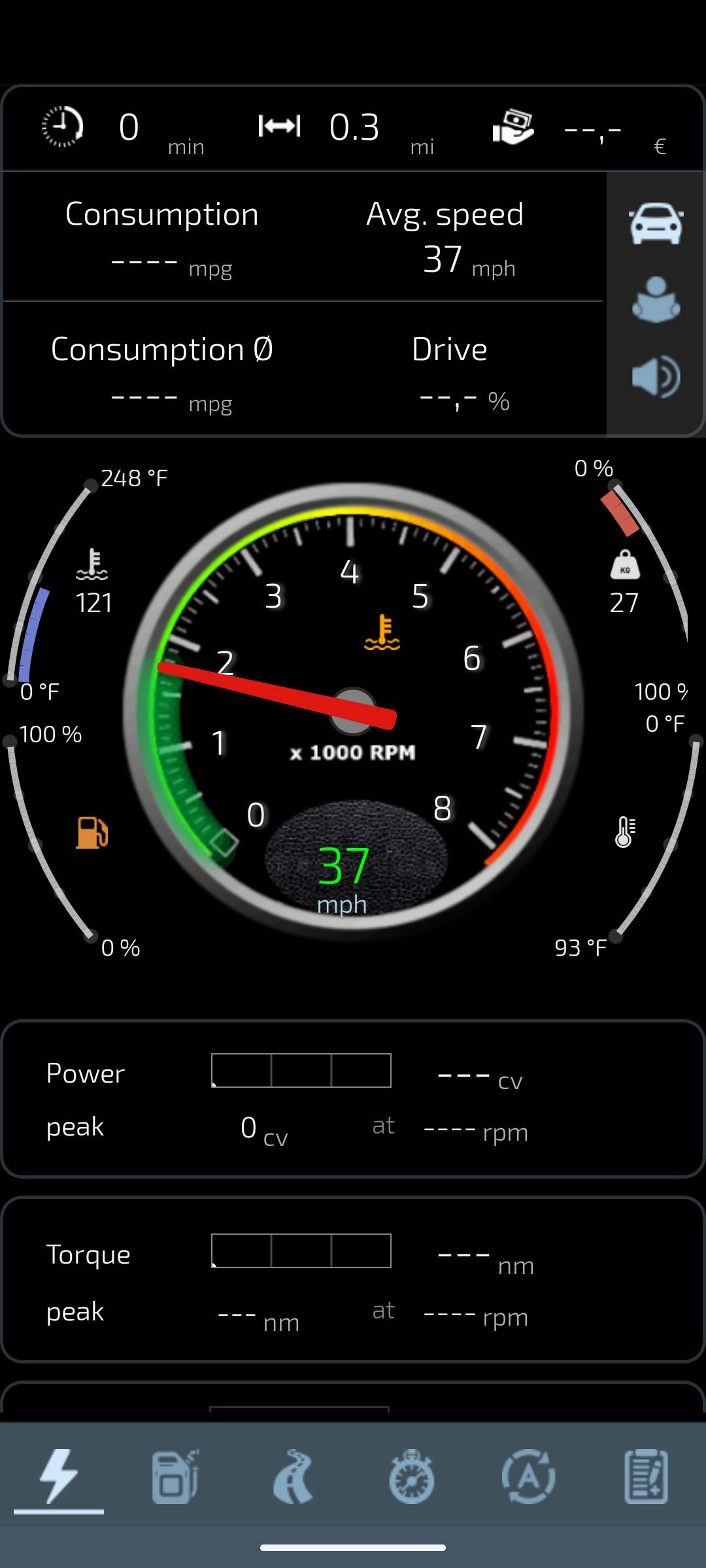
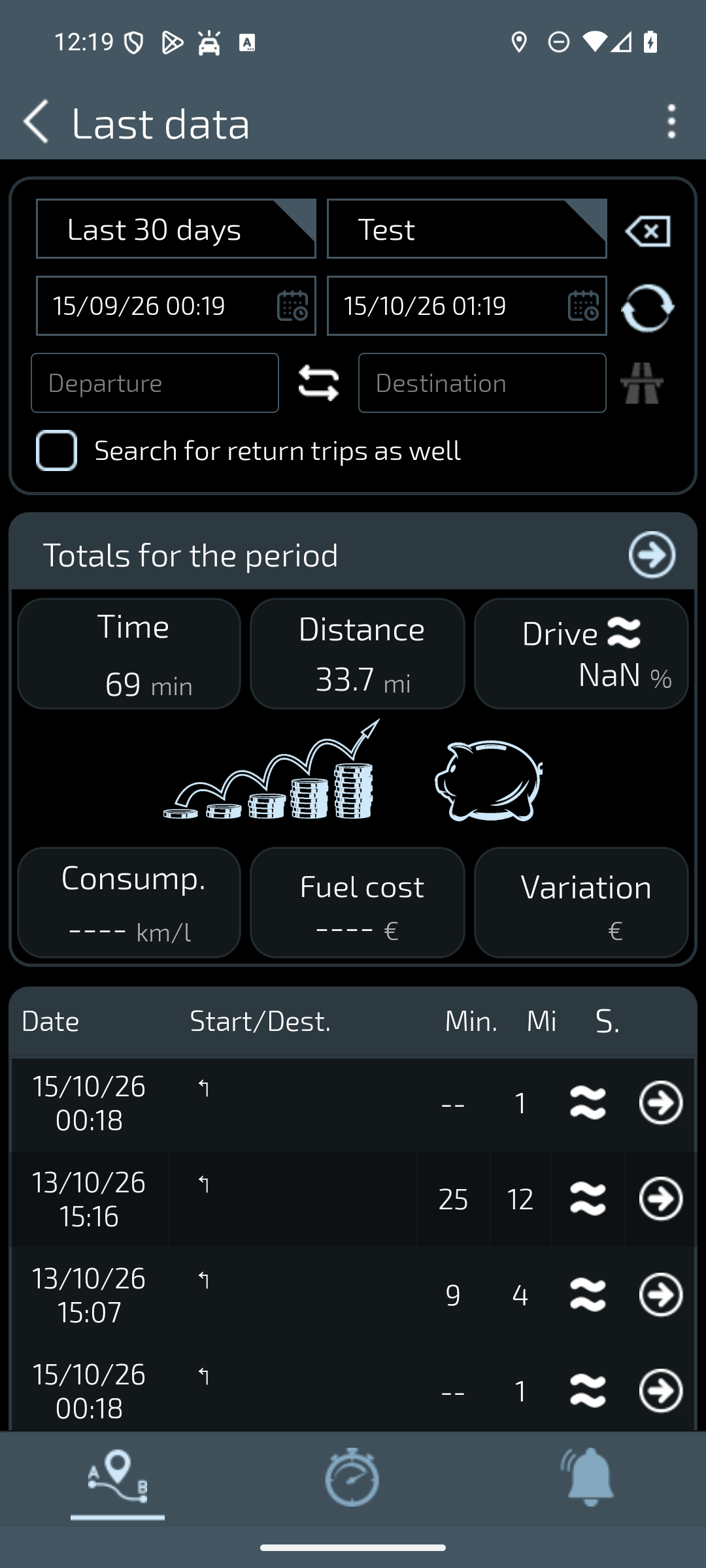
Actual 1063 screenshots with an English interface and simulator data. Images remain unchanged: missing values and unavailable calculations have not been replaced.
Understand performance readings
Performance and Stopwatch views show data and measurements available in the session. Read each value with its unit, source and recording conditions. A display peak does not certify the manufacturer’s power rating or the vehicle’s mechanical condition.
Review measurements that were actually saved rather than assuming every temporary value enters history. This guide does not call for acceleration or braking tests on public roads. Configure the app with the vehicle stationary and use measurements obtained safely.
Review saved trips
Open history and select the profile and period you want to review. The list and totals concern the records available for that selection. Compare similar conditions: many short trips are different from one long journey.
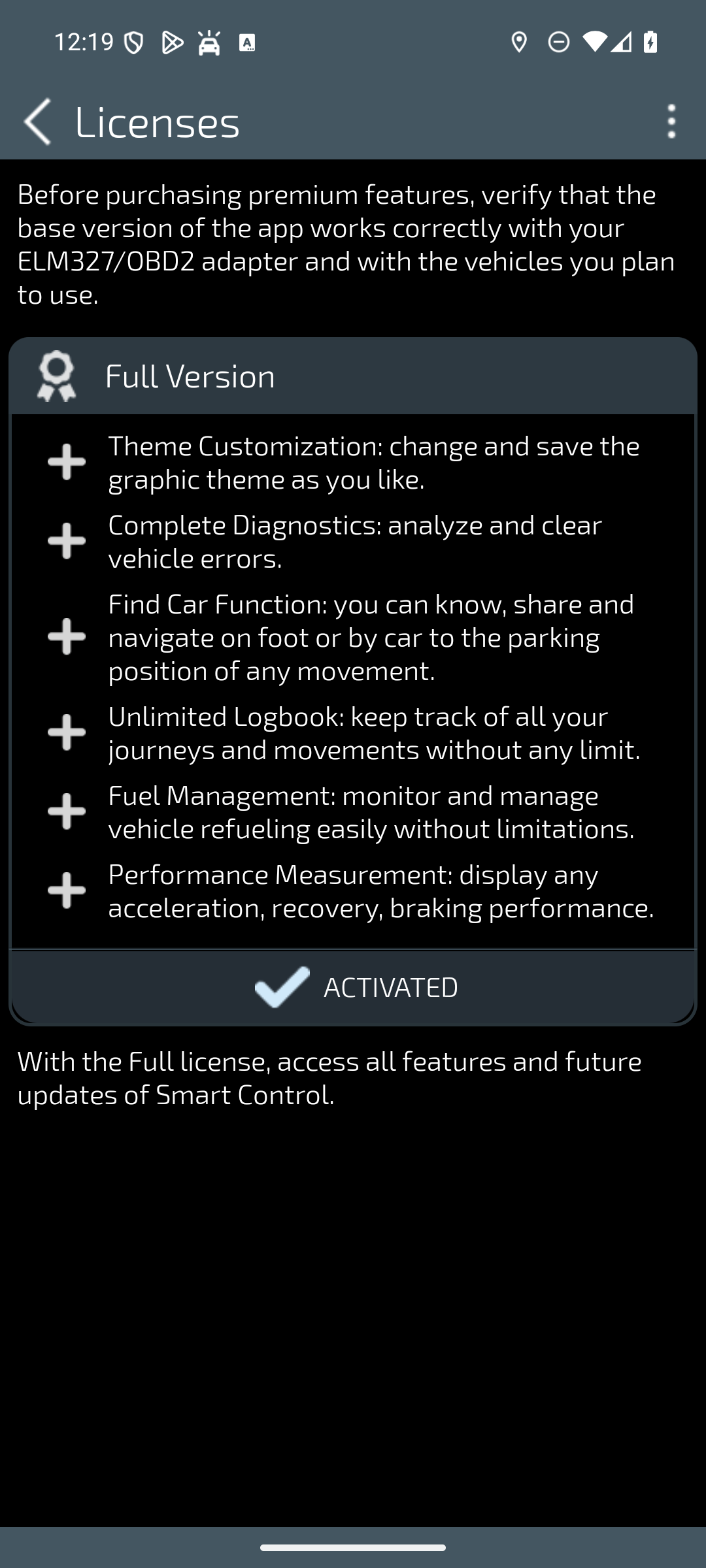
History helps describe changes over time more clearly, but it does not establish their cause. If a total is missing or cannot be calculated, do not fill the gap with assumptions. Free-version restrictions and recognised licence rights affect the available features.